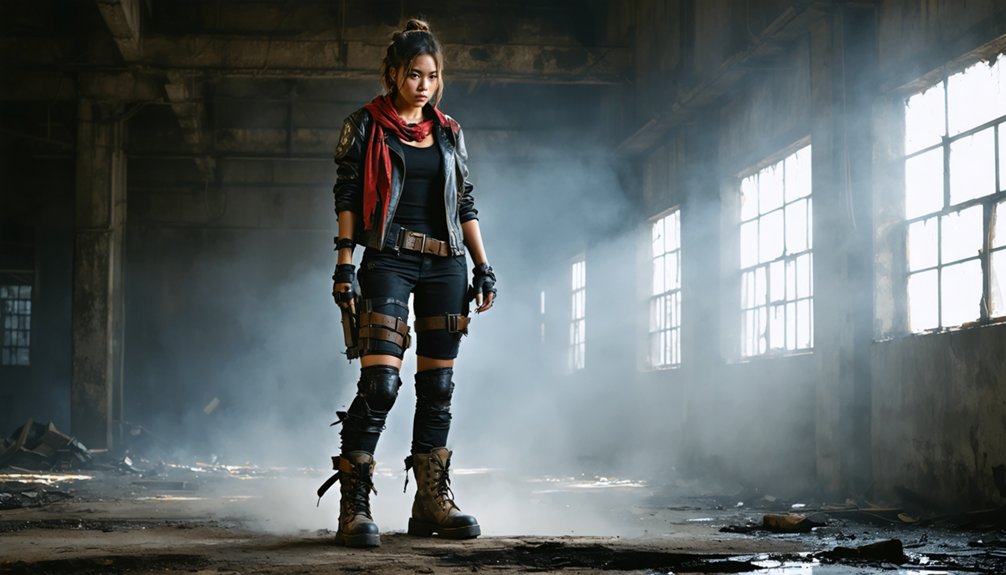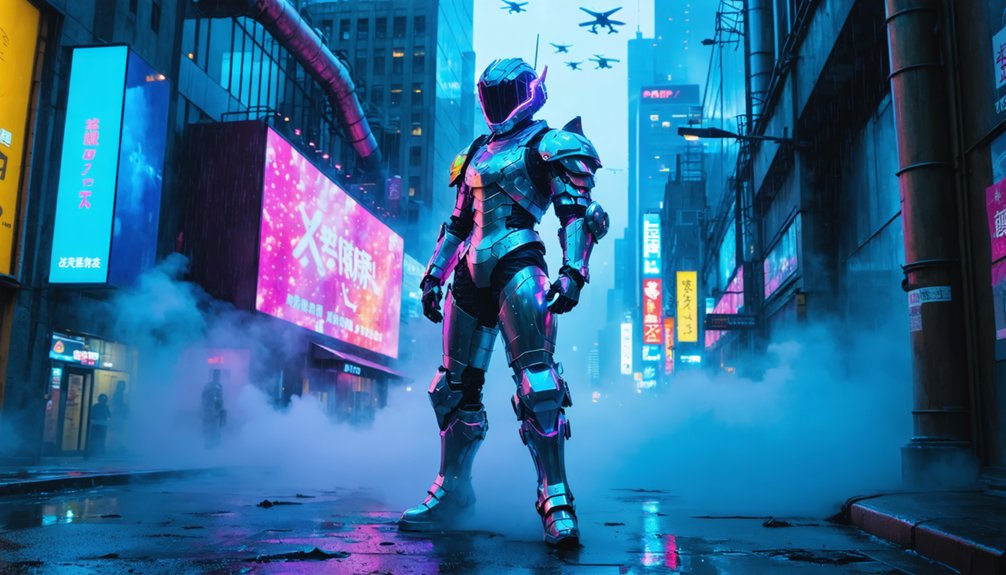
You’ll need neon-soaked alleyways with pink-blue lighting and fog machines, glitch-distorted landscapes using hex editors and VHS effects, towering skyscrapers with LED displays against gradient skies, rain-slicked streets paired with volumetric fog layers, holographic advertisement displays using transparent LED panels, multi-layered compositions built from vector graphics, and night-time metropolis scenes with adjustable glow effects. Each approach transforms standard cosplay shots into immersive cyberpunk worlds through strategic atmospheric effects, digital manipulation, and architectural staging that captures the genre’s dystopian aesthetic—and there’s specific technical implementation for each method below.
Key Takeaways
- Create neon-soaked alleyways using pink and blue LED strips with fog machines for atmospheric diffusion and reflective surfaces.
- Add holographic advertisements using transparent LED panels or projection systems to simulate futuristic corporate displays and HUD interfaces.
- Incorporate rain-slicked street effects with reflective vinyl flooring and strategic lighting to double neon intensity through mirrored surfaces.
- Frame towering skyscraper silhouettes against gradient skies using printed backdrops or digital screens showing dystopian urban architecture.
- Apply glitch effects and VHS distortion overlays to digital backdrops for retro-future aesthetic using pixel displacement techniques.
Neon-Soaked Alleyways With Vibrant Pink and Blue Lighting
Neon-soaked alleyways form the quintessential cyberpunk backdrop, anchored by the interplay of vibrant pink and blue lighting against rain-slicked surfaces. You’ll achieve maximum visual impact by mounting glowing neon signs on textured walls while utilizing fog machines to scatter light into soft, diffused halos. The wet pavement becomes essential—it doubles light intensity through reflections, creating that signature mirror-like effect across gritty asphalt textures.
Layer your lighting strategically: position pink-dominant signage at eye level, complement with blue architectural illumination from above, and add purple accents where hues blend. Moody lighting contrasts emerge naturally when dark backgrounds amplify neon vibrancy. For practical setup, you’ll find 25,890 stock assets or AI-generated variations adaptable for printable backdrops. Dense mist at lower levels plus towering skyscrapers in the background complete your Hong Kong-inspired, sci-fi atmosphere.
Glitch-Distorted Urban Landscapes With VHS Effects
When digital corruption meets urban photography, you’ll create the unmistakable aesthetic of glitch-distorted cityscapes that define cyberpunk’s technological dystopia.
Digital corruption transforms urban photography into glitch-distorted cityscapes, creating the unmistakable aesthetic of cyberpunk’s technological dystopia.
Start with data scrambling techniques using hex editors to manipulate your urban image files directly—this produces unpredictable pixel displacement and color shifts. Apply analog video interference by layering VHS noise, scanlines, and tracking errors over your cityscapes for authentic retro-future texture.
Implement datamoshing on building footage by removing I-frames, creating cascading architectural distortions. Add compression artifacts deliberately through repeated lossy saves, generating those signature blocky patterns around skyscrapers and streetlights.
Layer light leaks in warm magenta and cyan tones across your composition, mimicking film exposure damage. Finish with pixel sorting algorithms that streak neon reflections vertically, transforming ordinary city photographs into fragmented digital nightmares perfect for your cyberpunk backdrop.
Towering Skyscraper Silhouettes With Flying Vehicles
Beyond glitch effects, your backdrop needs architectural dominance—towering skyscrapers that pierce the upper frame while flying vehicles trace light paths through negative space. Position sleek corporate towers with sharp angles and black facades against magenta-cyan gradient skies. Incorporate LED displays scrolling corporate logos to establish wealth disparity when you’re shooting corpo characters.
For street-level mercs, frame low income slum districts below these monoliths—creating vertical stratification that reinforces cyberpunk’s class divide.
Layer vehicle silhouettes at multiple depths using diagonal trajectories. Add glowing edge highlights to flying cars, suggesting motion without blurring your cosplay subject. Build visual hierarchy through lighting: bright tower peaks dominating upper thirds, dimmer mid-sections creating depth, and street-level neon anchoring composition.
Your final composition should feel oppressive yet dynamic—architecture constraining while technology moves freely.
Rain-Slicked Streets Enhanced by Atmospheric Fog Layers
Rain-slicked asphalt transforms your cyberpunk backdrop from static scenery into a dynamic reflective surface that doubles every light source’s visual impact. You’ll achieve authentic Blade Runner aesthetics by layering PlaneFog with precipitation systems—volumetric light diffusion creates god rays piercing through industrial haze while neon signs bloom organically across wet pavement.
Configure interactive puddle physics through precipitation sliders to generate random formations on uneven surfaces, making your holographic billboards and street lamps reflect with ray-traced accuracy. Combine smoke assets rising from grates with dripping water particles for cascading runoff effects. Strategic fog placement adds depth between your subject and background buildings, enhancing atmospheric contrast.
This technical approach eliminates post-production dependency while delivering cinematic dystopian environments where tactical enforcers and cosplayers naturally integrate into rain-drenched, neon-saturated metropolis scenes.
Holographic Advertisement Displays With HUD Overlays
Holographic advertisement displays anchor your cyberpunk backdrop’s commercial dystopia by projecting floating 3D content that cosplayers can physically interact with during shoots. Deploy Hololuminescent™ Displays or HYPERVSN systems to generate authentic 3D visuals visible from multiple angles without requiring headsets.
Position 86″ razor-thin screens at human scale alongside your set to create layered depth—place product demos, animated logos, or AI generated volumetric imagery that characters can gesture toward or “touch” during action sequences. Integrate gesture-responsive controls for dynamic shooting scenarios where cosplayers navigate holographic menus or rotate 3D models.
Combine transparent LED panels with digital overlays to simulate HUD interfaces floating over physical props. This multi sensory engagement transforms static backdrops into interactive environments, generating 50% higher visual impact while enabling social media content that showcases your technical innovation and world-building precision.
Multi-Layered Cityscape Compositions Using Vector Graphics
Vector graphics transform your cyberpunk backdrop from flat imagery into dimensional urban environments through strategic layer separation that gives cosplayers authentic depth to work against.
Start by creating distinct foreground, midground, and background layers using Bezier curve tools for irregular building silhouettes. Position neon-lit structures on your lowest layer, then stack overlapping plane elements progressively forward.
Use node editing to refine geometric skyscraper shapes, ensuring closed paths for solid forms. Group related elements—towers, bridges, signage—within each layer for efficient duplication across your composition.
Apply motion blur animation to vehicles and atmospheric effects in midground layers, creating kinetic energy. Adjust opacity between stacked layers to simulate atmospheric perspective.
Blue geometric shapes work exceptionally well for night skylines, while polygonal patterns construct brutalist architecture. Toggle layer visibility during composition refinement, maintaining symmetry through your focal points.
Night-Time Metropolis Scenes With Adjustable Glow Effects
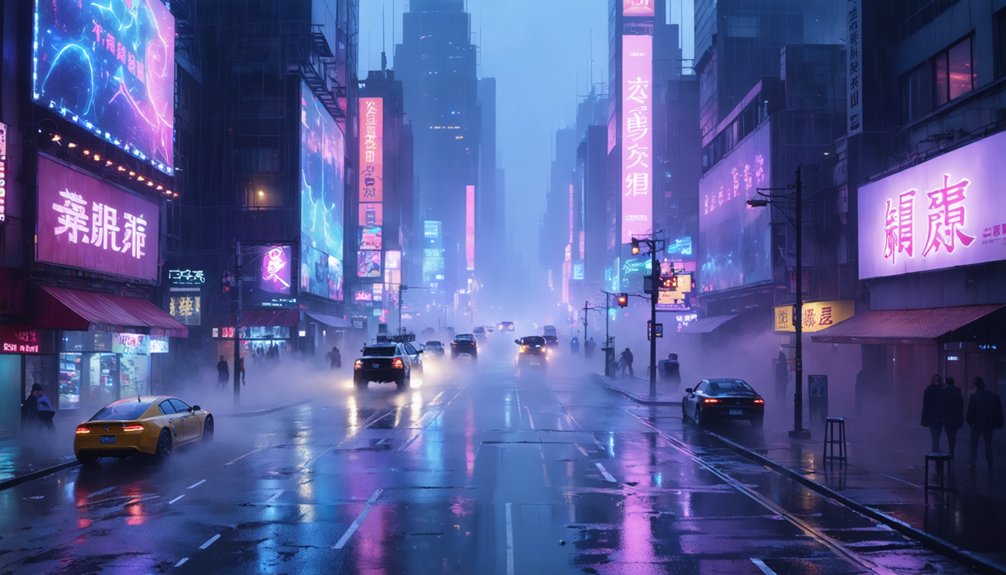
You’ll achieve authentic cyberpunk atmospheres by layering multiple neon light sources at varying intensities—reds, blues, and greens positioned to cast overlapping glows on your subject. Simulate rain-slicked streets by adding reflective surfaces or glossy overlays that mirror your light sources, doubling the visual impact of each neon element.
Control brightness levels independently for foreground, midground, and background elements to establish depth, keeping your cosplayer sharp while distant city lights blur into atmospheric haze.
Layering Neon Light Sources
When building neon-drenched backdrops for cyberpunk cosplay, start by establishing your base light sources as separate layers before applying any glow effects. Create distinct neon sign outlines using small rectangles for windows and larger shapes for billboards. Your dynamic light positioning should incorporate point lights, spotlights, and rect lights to simulate authentic street lamps and signage.
Three-tier lighting approach:
- Primary accent lights – Position three point lights around your subject with shortest fall-off settings
- Environmental glow – Add rect lights with emissive materials, adjusting color and opacity per asset
- Atmospheric depth – Place background elements strategically for contrast against dark or blue sky tones
Layer each source independently using Add (Glow) or Linear Dodge blending modes, enabling precise control over your cyberpunk aesthetic’s intensity and color bleeding.
Simulating Rain-Slicked Streets
Rain-slicked streets transform ordinary cyberpunk backdrops into cinematic masterpieces by multiplying your neon light sources across reflective surfaces. Position adjustable backlight intensity behind your subject to make water droplets glow dramatically—test different power levels to simulate distant metropolis illumination on wet pavement.
Use spray bottles during exposure with your camera on a tripod and self-timer engaged to create authentic water splash variations without camera shake. Slower shutter speeds (1/640 sec) produce softer rain streaks, while faster speeds (1/1600 sec) sharpen individual droplets. Shoot low angles to emphasize puddle reflections beneath towering neon signs.
In post-processing, reduce exposure and texture while decreasing highlights to blow out lights into atmospheric halos. Apply split toning for neon noir effects and selectively brush-paint light pops onto wet surfaces at 80% opacity.
Brightness Control for Depth
Since night-time metropolis scenes depend on strategic brightness variations to create convincing depth, start by establishing three distinct lighting zones: deep shadows (your foreground subject), mid-level ambient glow (simulated cityscape), and bright accent points (neon signs and windows).
Control each zone independently through low light exposure adjustment:
- Foreground rim lights separate your subject from dark backgrounds using backlight positioned at 45-degree angles
- Mid-ground emission strength controls visible glow in atmospheric fog without adding separate light sources
- Background targeted accent highlights use spotlights and emissive materials at varying intensities
In post-processing, increase contrast to 2.0 while adjusting saturation to maintain color integrity. Add bloom and chromatic aberration for cyberpunk stylization. This layered approach creates dimensional separation between subject and environment, ensuring your cosplay remains the focal point.
Frequently Asked Questions
What Backdrop Materials Work Best for Outdoor Cosplay Photography Shoots?
Weather the storm with vinyl backdrops—they’re your champion for outdoor shoots. You’ll appreciate their durability on portable backdrop stands, while their backdrop surface textures deliver rich, customizable cyberpunk aesthetics. They’re lightweight, won’t absorb moisture, and handle wind beautifully.
How Do I Transport Large Vinyl Backdrops to Convention Events Safely?
Roll your vinyl backdrop tightly around a cardboard tube, securing with straps. Use proper storage techniques like padded cases for safe transportation methods. Transport in hardshell tubes or PVC pipes to prevent creasing during convention travel.
What Lighting Equipment Enhances Cyberpunk Backdrops for Indoor Photoshoots?
Channel Blade Runner’s neon noir with RGB panel studio lighting like Amaran 100d for color-saturated subjects, while mini LEDs create ambient lighting halos. Layer edge lights and practical Christmas strings for depth, simulating dystopian cityscapes indoors.
Can I Wash Fabric Backdrops Without Damaging Printed Neon Designs?
Yes, you can safely wash neon-printed fabric backdrops using a gentle machine wash cycle with cold water and mild detergent. Follow air dry recommendations by hanging flat on your backdrop stand to preserve vibrant cyberpunk colors.
Which Backdrop Size Works Best for Solo Versus Group Cosplay Photos?
You’ll need dramatically different scales: solo shots thrive with 5×7 ft backdrops, while groups demand 10×20 ft monsters. Ideal backdrop size selection hinges on backdrop height considerations—8 ft handles standing solos, but large groups require 10+ ft vertical coverage.