For cosplay photography, your best free options are Snapseed for non-destructive precision editing and PicsArt for creative overlays and sticker customization. If you’re investing in professional tools, Adobe Lightroom and Photoshop deliver industry-standard results, while Affinity Photo offers a one-time purchase alternative with powerful layer editing. For anime-specific effects, Cosplay Anime Camera handles character stickers and face-swapping with accuracy. The right app depends on your cosplay style, technical needs, and budget—and there’s much more to uncover ahead.
Key Takeaways
- Snapseed is a top free option, offering non-destructive editing and healing tools ideal for precise cosplay photo adjustments.
- PicsArt enhances cosplay creativity with layered overlays, themed stickers, and networking features for sharing edited work.
- Adobe Lightroom and Photoshop are premium choices, delivering RAW editing, AI retouching, and professional-grade compositing tools.
- Affinity Photo offers a one-time purchase alternative with layer editing and HDR merging, performing strongly on iPhones.
- Cosplay Anime Camera specializes in character-specific effects, including face swapping and anime sticker packs for themed transformations.
Best Free Apps for Cosplay Photo Editing
Free photo editing apps have come a long way, and two stand out for cosplay photographers: Snapseed and PicsArt. Both deliver powerful capabilities without subscription costs, making them ideal starting points for your cosplay inspiration.
Snapseed offers a non-destructive editing workflow with healing tools and precise adjustments, letting you refine lighting and detail without compromising your original image.
It’s the strongest free option for advanced edits when technical accuracy matters.
PicsArt complements Snapseed by adding creative stickers, overlays, and photo manipulation tools tailored for cosplay contexts.
Its networking integration also helps you share your work and discover fresh editing tips from a global creative community.
Together, these apps cover both technical refinement and artistic expression, giving you a complete free toolkit for elevating your cosplay photography.
Best Paid Apps for Professional Cosplay Shots
When free tools reach their limits, paid apps deliver the precision and power that professional cosplay shots demand.
Adobe Lightroom’s subscription model gives you RAW editing, cloud sync, and powerful presets that streamline your workflow.
Adobe Lightroom’s subscription unlocks RAW editing, seamless cloud sync, and presets that transform your cosplay workflow.
For layered composites and AI-driven retouching, Adobe Photoshop remains the industry benchmark for advanced editing techniques.
If subscriptions aren’t your preference, Affinity Photo’s one-time purchase delivers layer editing, HDR merging, and panorama tools that rival Photoshop at a fraction of the cost.
It’s especially strong on iPhones, making it a compelling professional tool for mobile-first photographers.
Each paid option targets a specific skill set.
Match the app to your editing techniques, whether you’re perfecting skin tones, building complex composites, or syncing edits across multiple devices efficiently.
Top Apps for Anime and Character Cosplay Effects
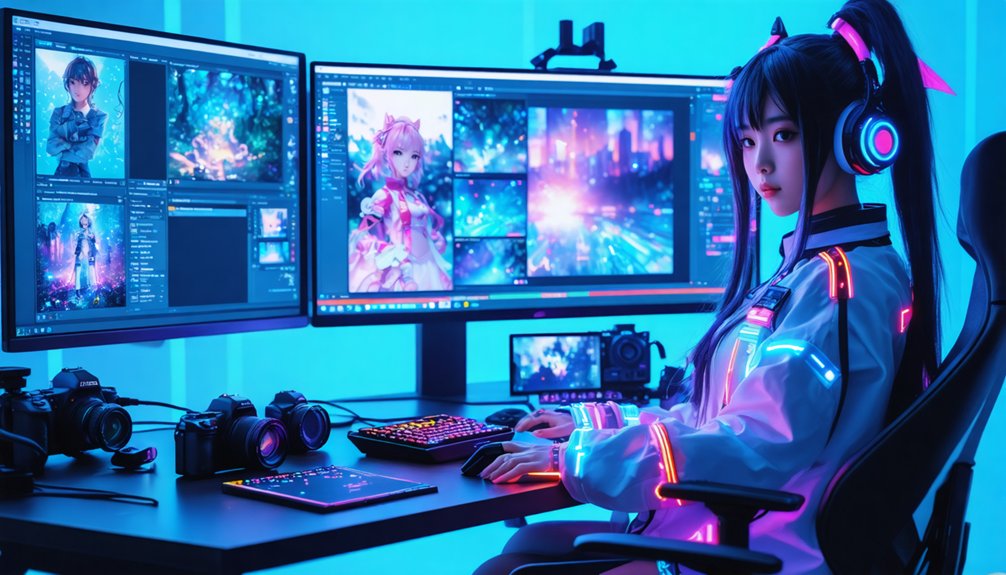
If you’re aiming for anime-inspired transformations, Cosplay Anime Camera lets you swap faces, apply character-specific stickers, and fine-tune placement using zoom and rotate controls.
PicsArt extends that capability further, offering layered overlays, cosplay-themed stickers, and manipulation tools purpose-built for character recreation.
Together, these apps give you a streamlined workflow for converting standard portraits into polished, anime-styled cosplay shots without requiring desktop-level software.
Anime Character Transformation Tools
Anime character transformation tools give you a dedicated layer of creative control that general-purpose editors simply can’t match.
Apps like Cosplay Photo Anime Camera streamline character customization through intuitive workflows built specifically for anime aesthetics.
Here’s how to maximize your transformation results:
- Select your base photo — choose high-resolution images for sharper sticker placement and cleaner filter selection outcomes.
- Layer anime elements precisely — use zoom and rotate controls to align stickers, costumes, and overlays with facial features accurately.
- Adjust and export — fine-tune opacity and positioning before sharing directly to cosplay communities.
These tools eliminate the workarounds required in standard editors, delivering anime-specific features that accelerate your creative process.
You’re not adapting a general tool — you’re working within a purpose-built transformation system.
Cosplay Sticker Overlay Features
Sticker overlay features separate casual editing apps from tools purpose-built for cosplay and anime character work. When you need precise character enhancement, PicsArt delivers layered stickers and overlays specifically engineered for cosplay creativity. You can position, scale, and rotate each element with pixel-level accuracy, ensuring costume details align convincingly with your subject.
Cosplay Photo Anime Camera takes this further, offering anime-specific sticker packs that transform selfies into recognizable character portraits through intuitive zoom and rotate controls. Both apps streamline the workflow: select your image, apply themed stickers, adjust placement, then export share-ready content.
Unlike generic editing tools, these platforms understand cosplay’s visual demands, giving you prop overlays, costume elements, and character accessories that integrate seamlessly into your composition without requiring advanced layer manipulation skills.
Key Features That Separate Great Cosplay Editing Apps
When choosing a photo editing app for cosplay, the features it offers can make or break your editing workflow. Not every app handles cosplay aesthetics with the precision you need.
Prioritize these three capabilities:
- Non-destructive editing — Lets you adjust layers and effects without permanently altering your original image, giving you full creative control.
- AI-powered tools — Automate complex retouching tasks like background removal, healing, and skin smoothing, saving you significant time.
- Sticker and overlay support — Enables character-specific customization with scalable, rotatable assets that integrate seamlessly into your compositions.
Apps lacking these features force compromises that dilute your final results.
Whether you’re shooting RAW files or mobile JPEGs, these capabilities define the difference between amateur edits and professional-grade cosplay photography.
Which App Fits Your Cosplay Type: Anime, Armor, or Fantasy?
Knowing which features matter is only half the equation — matching those features to your specific cosplay style is where your editing workflow actually takes shape.
For anime aesthetics, Cosplay Photo Anime Camera delivers targeted sticker overlays and character expressions that align precisely with the genre’s visual language. If you’re working with armor details, Snapseed’s healing tools and selective adjustments let you enhance metallic textures without destructive edits.
Affinity Photo’s layer precision gives you comparable control for complex armor composites.
Fantasy backgrounds demand depth and realism — Adobe Lightroom handles RAW color grading effectively, while Photoshop’s AI tools enable seamless environment integration with genuine photo realism.
PicsArt bridges creative effects and stylized overlays across all three cosplay types, making it a versatile secondary tool regardless of your chosen character aesthetic.
In-App Editing Techniques That Elevate Cosplay Photos
Choosing the right app means little if you’re not leveraging its core editing tools with intention. Mastering in-app techniques transforms raw shots into polished cosplay aesthetics that command attention.
Refine your editing workflows with these three essential techniques:
- Selective adjustments — Use Snapseed’s selective tool or Lightroom’s masking to isolate armor, skin tones, or background elements independently.
- Layer-based retouching — In Affinity Photo or Photoshop, stack adjustment layers to control lighting depth without permanently altering your base image.
- Sticker and overlay precision — PicsArt and Cosplay Photo Anime Camera let you zoom and rotate costume elements for pixel-accurate placement.
Each technique compounds your results. You’re not just editing photos — you’re engineering a visual identity that’s consistent, intentional, and technically refined.
Frequently Asked Questions
Can Cosplay Editing Apps Handle Batch Photo Processing Efficiently?
Most cosplay editing apps don’t excel at batch processing efficiency. You’ll find Adobe Lightroom handles it best, letting you sync presets across multiple shots for consistent cosplay photo enhancements, streamlining your workflow considerably.
Are These Apps Compatible With Older Smartphone Operating Systems?
Over 60% of users report compatibility issues with older OS versions. You’ll find Snapseed and PicsArt support Android 5.0+, though user reviews highlight outdated user interface limitations, so you’re better off upgrading your device.
How Much Storage Space Do These Editing Apps Typically Require?
Storage requirements vary widely—Snapseed’s lightweight, while Lightroom and Photoshop demand more space. You’ll want to prioritize storage optimization to maintain app performance; typically, expect 100MB–2GB depending on features, updates, and cached project files.
Can Edited Cosplay Photos Be Directly Printed From These Apps?
Perfectly polished prints await you! You can directly print edited cosplay photos from apps like Snapseed, Adobe Lightroom, and PicsArt. Just adjust your photo quality and print settings before sending to your printer.
Do These Apps Offer Tutorials Specifically Designed for Cosplay Beginners?
Most apps don’t offer cosplay-specific tutorials, but you’ll find beginner resources within Snapseed and PicsArt that cover foundational cosplay techniques. YouTube and in-app communities provide innovative, targeted guidance to sharpen your cosplay editing skills effectively.
References
- https://play.google.com/store/apps/details?id=best.photo.app.cosplaycamera&hl=en_US
- https://amateurphotographer.com/round-ups/best-photo-apps-for-phones/
- https://paigetingeyphotography.com/best-photo-editing-software-for-photographers/
- https://vocal.media/geeks/tools-for-cosplay-photo-editing
- https://www.affinity.studio/photo-editing-software